In today’s digital world, visual content is no longer optional. Whether you are a student submitting a project, a freelancer building a brand, a YouTuber creating thumbnails, or a small business running ads, design tools have become essential.
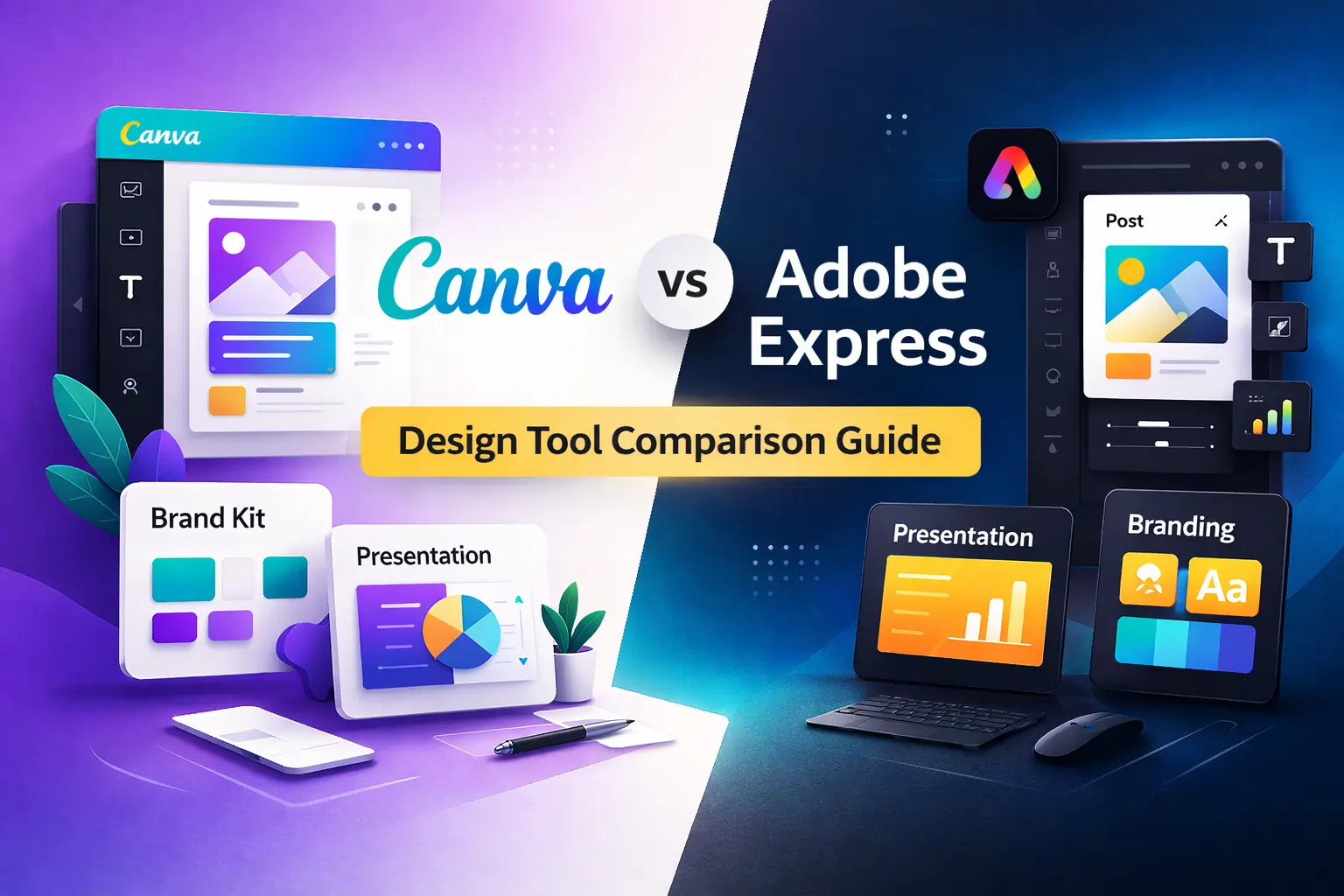
This is where the debate of Canva vs Adobe Express begins.
Both platforms promise something similar: easy design without needing professional graphic design skills. But once you start using them seriously, the differences become clearer.
The real question is not just “Canva or Adobe Express?”
The real question is: which tool matches your workflow, skill level, and long-term goals?
Let’s break this down carefully.
Read Also- How to Use Gemini Advanced for Daily Tasks
The Core Philosophy Behind Both Tools
Canva was built with one clear idea – design should be simple for everyone.
It removes complexity. It removes technical design language. It removes layers of professional confusion. When you open Canva, you don’t feel like you’re entering professional software. You feel like you’re entering a creative playground.
Adobe Express, on the other hand, comes from the Adobe ecosystem. Adobe has decades of history in professional creative software like Photoshop and Illustrator. Adobe Express is their simplified answer to modern quick-content needs.
So while both tools are beginner-friendly, their DNA is different.
Canva is simplicity-first.
Adobe Express is brand-first.
This small difference shapes the entire experience.
🔥 LinkedIn Premium Business Plan 12 Months
Original Price ₹23,000 • Get it ₹8XXX
🤖 Gemini AI Advanced Pro Plan
Original Price ₹19,500 • Get it ₹8XXX
💼 LinkedIn Sales Navigator Core
Original Price ₹80,000 • Get it ₹2XXXX
🎨 Canva Pro Lifetime Access
Original Price ₹3,999 • Get it ₹4XX
📚 Coursera Plus Annual Plan
Original Price ₹33,000 • Get it ₹2XXX
✨ Adobe Creative Cloud All Apps
Original Price ₹59,000 • Get it ₹4XXX
User Interface and Learning Curve
When people search for canva vs adobe express for beginners, what they actually care about is how fast they can start designing.
Canva feels extremely intuitive. You open it and see categories like Instagram post, presentation, YouTube thumbnail, resume, flyer. You choose one, select a template, and begin editing immediately. The drag-and-drop experience is smooth and forgiving.
Adobe Express is also easy to use, but the structure feels slightly more controlled. It gives you professional-looking layouts but sometimes restricts how freely you can move elements compared to Canva.
For a complete beginner with zero design knowledge, Canva often feels more welcoming.
Adobe Express does not feel difficult, but it feels slightly more structured – almost like it is guiding you toward brand consistency rather than creative experimentation.
Read Also: How to Use Microsoft 365 for Remote Work (Complete Practical Guide)
Template Ecosystem – Quantity vs Curation
Templates are one of the biggest deciding factors in the canva vs adobe express templates comparison.
Canva has built a massive template ecosystem. Whether you need:
- Instagram carousel
- Wedding invitation
- Business pitch deck
- Resume
- Poster
- TikTok cover
- LinkedIn banner
You will likely find multiple variations instantly.
Adobe Express offers high-quality templates as well, but the collection feels more curated and less massive in scale. The designs often look more minimal, clean, and corporate.
If your priority is variety and creative experimentation, Canva gives you more options.
If your priority is polished brand-focused layouts, Adobe Express feels refined.
🔥 LinkedIn Premium Business Plan 12 Months
Original Price ₹23,000 • Get it ₹8XXX
🤖 Gemini AI Advanced Pro Plan
Original Price ₹19,500 • Get it ₹8XXX
💼 LinkedIn Sales Navigator Core
Original Price ₹80,000 • Get it ₹2XXXX
🎨 Canva Pro Lifetime Access
Original Price ₹3,999 • Get it ₹4XX
📚 Coursera Plus Annual Plan
Original Price ₹33,000 • Get it ₹2XXX
✨ Adobe Creative Cloud All Apps
Original Price ₹59,000 • Get it ₹4XXX
Canva vs Adobe Express for Students
Students form a large portion of users searching this topic.
In the comparison of canva vs adobe express students, simplicity, presentation tools, and free access matter most.
Canva shines in the education segment because:
- It offers ready-made presentation templates
- It allows easy infographic creation
- It supports collaborative editing
- The free version is powerful enough
Adobe Express works well too, but it is not as presentation-focused as Canva.
For school projects, college assignments, and academic presentations, Canva often becomes the natural choice.
Canva vs Adobe Express for Beginners
Beginners need speed and confidence.
Canva builds confidence quickly because almost every template looks good even before you edit it. It is difficult to create something completely unattractive in Canva.
Adobe Express also helps beginners but gives slightly fewer customization freedoms.
In the beginner category, Canva usually wins because of its template depth and layout flexibility.
🔥 LinkedIn Premium Business Plan 12 Months
Original Price ₹23,000 • Get it ₹8XXX
🤖 Gemini AI Advanced Pro Plan
Original Price ₹19,500 • Get it ₹8XXX
💼 LinkedIn Sales Navigator Core
Original Price ₹80,000 • Get it ₹2XXXX
🎨 Canva Pro Lifetime Access
Original Price ₹3,999 • Get it ₹4XX
📚 Coursera Plus Annual Plan
Original Price ₹33,000 • Get it ₹2XXX
✨ Adobe Creative Cloud All Apps
Original Price ₹59,000 • Get it ₹4XXX
Performance and Workflow Experience
Both tools are cloud-based. That means they run inside your browser without heavy installation.
Canva can slow down slightly when designs become heavy with multiple animations and elements. Adobe Express sometimes feels lighter due to simpler layout structure.
However, for everyday use, both perform well on standard laptops and desktops.
Canva vs Adobe Express Pricing – Value Beyond Cost
When users search for adobe express vs canva pricing, they usually want a direct winner. But pricing is not just about numbers. It’s about what you get for the money.
Both Canva and Adobe Express offer free versions. And honestly, both free plans are strong enough for basic social media graphics, small projects, and occasional design needs.
However, the difference becomes clear when you look at premium features.
Canva Pro unlocks tools like background remover, magic resize, premium templates, brand kits, and a large stock media library. These features are especially useful for content creators and small businesses producing graphics regularly.
Adobe Express Premium also unlocks additional fonts, Adobe Stock access, brand management tools, and integration with Creative Cloud apps.
The pricing is relatively similar for individuals. So the better question is not which one is cheaper – it’s which one gives better value for your workflow.
If you are focused on fast social media content and presentations, Canva often feels like it gives more visible value.
If you are focused on brand identity and already working inside Adobe’s ecosystem, Adobe Express may feel more aligned.
Brand Management and Identity Control
For businesses, brand consistency matters more than template quantity.
In the canva vs adobe express small business debate, brand control becomes an important factor.
Canva offers a brand kit feature where you can store your company logo, colors, and fonts. This ensures that every design stays consistent. For small teams, this feature works very well and is simple to manage.
Adobe Express also offers brand kits, but it integrates more deeply with Adobe Fonts and other Creative Cloud resources. If your business already uses Photoshop, Illustrator, or InDesign, Adobe Express becomes part of a larger branding system.
In simple terms:
Canva makes branding easy.
Adobe Express makes branding structured.
Small businesses without dedicated designers often prefer Canva because it requires less setup and training.
Businesses already using Adobe software may prefer Adobe Express because it keeps everything connected.
Read Also: LinkedIn Sales Navigator vs Apollo: Which Tool Works Better?
Editing Flexibility and Creative Freedom
When comparing canva vs adobe, many people assume Adobe tools are always more powerful. But we must be clear – Adobe Express is not Photoshop. It is Adobe’s simplified design platform.
Canva offers more free positioning flexibility. You can drag elements almost anywhere, resize freely, and layer content easily. It feels fluid and forgiving.
Adobe Express feels slightly more controlled. It guides layout choices more strictly. This can actually help maintain clean design standards but may reduce experimentation.
For users who love freedom and creativity, Canva feels more flexible.
For users who prefer structured layouts and polished results, Adobe Express feels stable and safe.
AI Features and Smart Design Tools
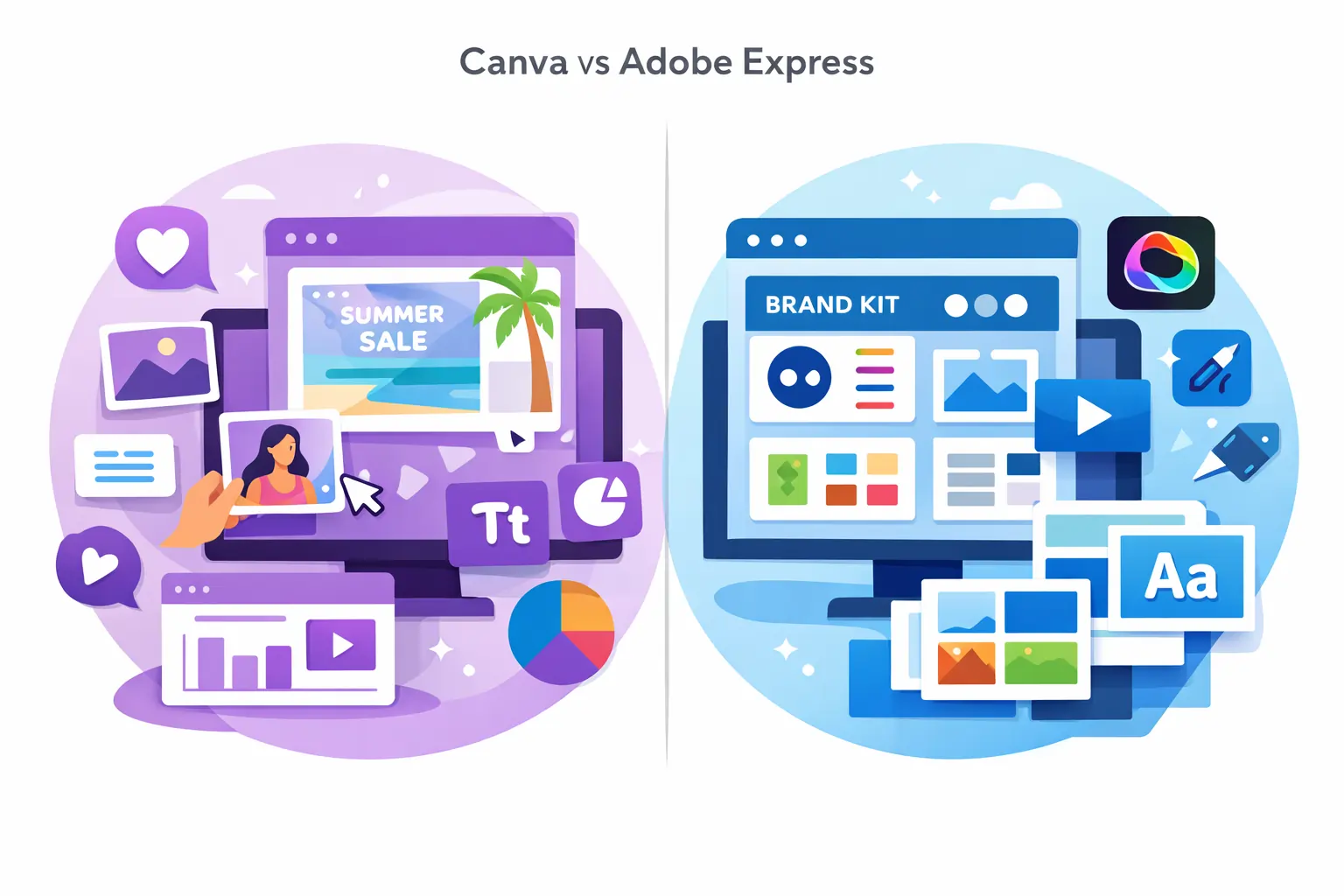
Modern design tools are evolving quickly with AI integration.
Canva has invested heavily in AI features. It includes background removal, automatic resizing, text-to-image generation, and design suggestions. These features are designed to reduce manual effort and increase speed.
Adobe Express also includes AI-powered background removal and text effects. However, Canva’s AI tools currently feel slightly more visible and user-friendly.
For creators who want fast automation and smart tools, Canva appears slightly ahead at the moment.
But Adobe’s long history in AI innovation means this gap could narrow quickly.
Also Read – LinkedIn Premium Pricing Guide 2026: Cost, Plans, India Price & Is It Worth It?
Canva vs Adobe Express for Small Businesses
Let’s analyze a real-world scenario.
Imagine a small clothing brand that posts daily on Instagram, runs Facebook ads, and sends email promotions.
They need:
- Social media posts
- Promotional banners
- Story graphics
- Discount flyers
- Quick editing
Canva makes this process extremely fast. Templates are ready. Resizing between platforms is easy. Even a non-designer employee can handle marketing visuals.
Now imagine a creative agency already using Photoshop for image editing and Illustrator for logo creation. They want a simplified tool for quick social content that matches existing brand guidelines.
In this case, Adobe Express integrates more naturally into their workflow.
So in the canva vs adobe express small business debate, Canva wins for simplicity and speed. Adobe Express wins for ecosystem alignment.
Depth of Template Customization
Templates are not just about numbers. They are about flexibility.
Canva templates are often more colorful, dynamic, and varied. You can heavily modify them without breaking the design.
Adobe Express templates are clean and professional but sometimes more structured.
If you want creative freedom and variety, Canva gives you more room to experiment.
If you want consistency and simplicity, Adobe Express feels controlled.
Collaboration and Team Use
Both tools allow collaboration, but Canva feels more popular among teams because of its easy sharing features.
You can invite team members, edit together, and comment directly. For startups and small marketing teams, this feature is highly useful.
Adobe Express supports collaboration as well, but Canva’s collaborative workflow feels more widely adopted in content teams.
If teamwork and shared editing are essential, Canva often feels smoother.
Long-Term Professional Growth
This is a subtle but important factor.
If you plan to move toward professional design using Photoshop and Illustrator, Adobe Express can act as a stepping stone into the Adobe ecosystem.
If you plan to stay focused on social media marketing and online content creation, Canva may remain sufficient long term.
The decision sometimes depends on where you see your creative journey going.
Long-Term Usage: Casual Creator vs Serious Brand Builder
If you are a casual content creator, student, freelancer, or small business owner creating regular social media graphics, Canva can easily remain your main design tool for years.
It continues to add AI features, templates, and automation tools that make content production faster. For most online businesses and content creators, Canva is powerful enough without needing professional software like Photoshop.
However, if your goal is to build a long-term creative career inside the Adobe ecosystem, Adobe Express may offer a smoother transition path.
Because Adobe Express connects with:
- Photoshop
- Illustrator
- Adobe Fonts
- Creative Cloud libraries
This means if your workflow grows more advanced over time, you already remain inside the Adobe environment.
So long-term direction matters.
If your goal is content speed → Canva supports you long term.
If your goal is creative system integration → Adobe Express fits better.
Canva vs Adobe Express Templates – Real-World Impact
Earlier we discussed template quantity. But long-term usability is not just about how many templates exist. It is about how flexible those templates remain over time.
Canva’s template ecosystem is constantly expanding. It adapts quickly to trends – social media trends, marketing styles, event themes, and seasonal campaigns. This makes it extremely useful for content creators who follow fast-changing trends.
Adobe Express templates feel more stable and brand-focused. They do not change as dramatically based on social trends. Instead, they maintain a professional and minimal style.
If your brand depends on dynamic social trends, Canva supports that environment better.
If your brand depends on consistency and corporate professionalism, Adobe Express feels reliable.
Canva vs Adobe Express for Different User Types

Let’s simplify everything by user category.
For Beginners
In the canva vs adobe express for beginners debate, Canva usually wins.
It feels easier. The learning curve is almost zero. Templates are diverse. Even someone without design knowledge can create attractive content immediately.
Adobe Express is beginner-friendly too, but Canva removes friction more effectively.
For Students
When comparing canva vs adobe express students, Canva again feels more practical.
The presentation builder, infographic templates, and academic layouts give it an advantage in educational environments.
Students usually prioritize speed and simplicity – Canva matches that need perfectly.
For Small Businesses
In the canva vs adobe express small business comparison, the decision becomes more strategic.
If the business has:
- No professional designer
- Limited time
- Social media marketing focus
Canva is usually the better choice.
If the business:
- Already uses Adobe software
- Has structured brand guidelines
- Wants tighter design consistency
Adobe Express integrates smoothly.
For Marketing Teams
Marketing teams often value collaboration and quick resizing of content across platforms.
Canva’s Magic Resize feature and collaborative editing make campaign management easier.
Adobe Express also supports resizing and collaboration, but Canva’s workflow feels more optimized for content marketing speed.
Performance and Creative Limitations
Neither Canva nor Adobe Express is meant to replace professional tools like Photoshop or Illustrator.
Both are simplified design platforms.
However, Canva sometimes feels more flexible in layout experimentation. Adobe Express feels more controlled and minimal.
If you are trying to create highly complex, layered designs, both tools will feel limited compared to professional software.
But for 90% of everyday marketing and content needs, both are more than enough.
Which Is the Best Design Software Overall?
When people search for the best design software, they often expect a single winner.
But in the Canva vs Adobe Express comparison, there is no universal champion.
Instead, there is alignment.
Canva wins in:
- Ease of use
- Template variety
- Beginner friendliness
- Presentation creation
- Fast social media content
Adobe Express wins in:
- Adobe ecosystem integration
- Brand-focused workflows
- Professional typography access
- Structured design environment
So the “best” tool depends on your ecosystem, not just features.
Also Read – n8n Pricing Guide 2026: Cloud Cost, Self-Hosted Cost, and Zapier Comparison
Final Decision Framework
Before choosing between Canva or Adobe Express, ask yourself:
- Are you a beginner or already using Adobe tools?
- Do you need speed and variety or brand consistency?
- Are you creating presentations often?
- Is your team already inside Creative Cloud?
- Do you prioritize simplicity or structured design control?
If your answers lean toward speed, templates, and simplicity → Canva is likely better.
If your answers lean toward brand alignment and Adobe ecosystem → Adobe Express makes more sense.
Final Verdict – Which Design Tool Wins?
In the complete Canva vs Adobe Express comparison, here is the clear summary:
For most beginners, students, and small businesses, Canva often feels like the winner because of its simplicity and template power.
For professionals already inside Adobe’s ecosystem or focused on long-term brand integration, Adobe Express feels more aligned.
There is no wrong choice. Both tools are strong.
The real winner is the tool that fits your workflow.
Read Also: Otter.ai vs Notta – Best Transcription Tool?
Canva vs Adobe Express – FAQs
1. Is Canva better than Adobe Express?
Canva is better for beginners, students, and content creators who want quick and easy designs with lots of templates. Adobe Express is better for users who already use Adobe tools and need stronger brand consistency.
2. Canva or Adobe Express – which is easier to use?
For most beginners, Canva feels easier because of its drag‑and‑drop interface and larger template library. Adobe Express is also simple but slightly more structured in design control.
3. What is the difference between Canva and Adobe Express?
The main difference in the canva vs adobe express comparison is flexibility vs ecosystem integration. Canva focuses on simplicity and creative freedom, while Adobe Express focuses on brand alignment and Adobe Creative Cloud integration.
4. Is Canva free or paid?
Canva offers a powerful free plan. However, features like premium templates, background remover, brand kits, and advanced tools are available in Canva Pro.
5. Is Adobe Express free?
Adobe Express also offers a free plan with basic design tools. The Premium plan unlocks advanced features, Adobe fonts, and stock images.
6. Which tool is better for students – Canva or Adobe Express?
In most cases, Canva is better for students because of its presentation templates, infographic designs, and easy interface.
7. Canva vs Adobe Express for small business – which one should I choose?
If you need fast social media content and easy editing, Canva is usually better. If your business already uses Adobe software and needs stronger brand control, Adobe Express may be the better option.
8. Which is the best design software overall?
There is no universal winner. Canva is ideal for simplicity and speed, while Adobe Express is ideal for brand-focused users inside the Adobe ecosystem.
9. Can Adobe Express replace Canva?
Adobe Express can handle most basic design tasks like social posts and marketing graphics. However, Canva offers a larger template library and more presentation-focused tools.
10. Does Canva have more templates than Adobe Express?
Yes. Canva generally offers a larger and more diverse template collection compared to Adobe Express.