Why Video Messaging Tools Matter More Than Ever
Work communication has changed dramatically over the last few years. Teams are no longer sitting in the same office, students attend online classes, and professionals collaborate with people they may never meet in person. In this environment, video has become one of the most powerful ways to communicate clearly.
However, as video usage increased, so did confusion. Not every message needs a meeting, and not every explanation should be written as text. This is where video messaging tools come into play.
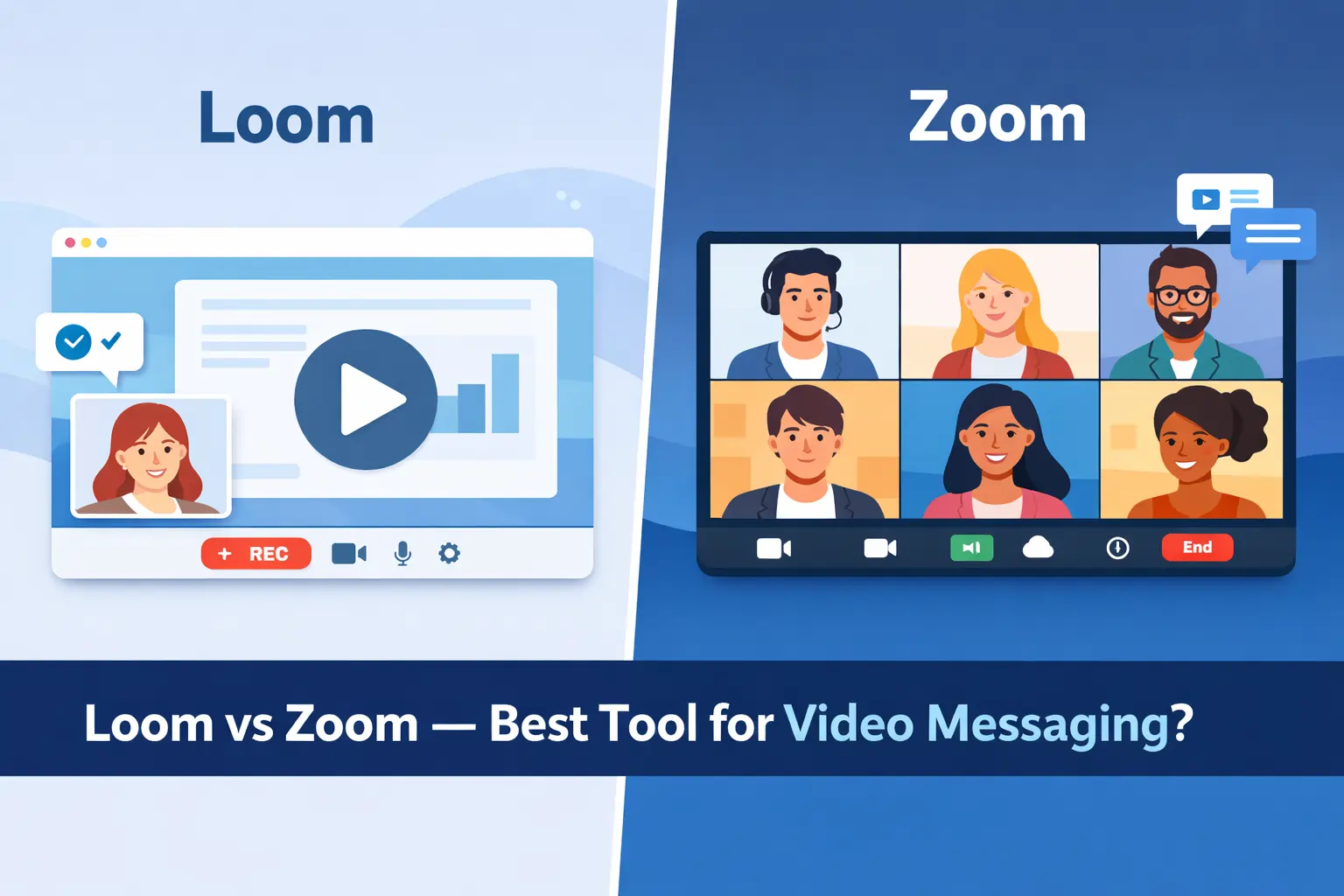
Two tools are often compared in this space: Loom and Zoom. At first glance, both appear to solve the same problem- video communication. In reality, they are built for very different purposes.
This article takes a deep, practical look at Loom vs Zoom and answers one core question:
Which tool is actually better for video messaging?
🔥 LinkedIn Premium Business Plan 12 Months
Original Price ₹23,000 • Get it ₹8XXX
🤖 Gemini AI Advanced Pro Plan
Original Price ₹19,500 • Get it ₹8XXX
💼 LinkedIn Sales Navigator Core
Original Price ₹80,000 • Get it ₹2XXXX
🎨 Canva Pro Lifetime Access
Original Price ₹3,999 • Get it ₹4XX
📚 Coursera Plus Annual Plan
Original Price ₹33,000 • Get it ₹2XXX
✨ Adobe Creative Cloud All Apps
Original Price ₹59,000 • Get it ₹4XXX
Why Loom vs Zoom Is a Confusing Comparison
The reason this comparison confuses so many people is simple. Loom and Zoom are often used in the same workplace, but they are not designed to replace each other.
Zoom became popular as a meeting tool. Loom became popular as a way to avoid meetings.
When teams compare them without understanding this distinction, they end up using the wrong tool for the wrong job. This leads to meeting overload, poor communication, and wasted time.
To make the right choice, you first need to understand what each tool is fundamentally designed to do.
The Core Difference: Asynchronous vs Live Communication
The most important difference between Loom and Zoom is how communication happens.
Loom is built for asynchronous communication. This means you record a video- showing your screen, your face, or both- and share it as a link. The viewer watches it later, when it fits their schedule. There is no need for both people to be present at the same time.
Zoom is built for synchronous communication. It requires everyone to join at a scheduled time. The conversation happens live, with immediate responses and interaction.
This difference might sound small, but it completely changes how these tools should be used.
What Loom Is Designed to Do
Loom was created to make communication more efficient by reducing unnecessary meetings. Instead of scheduling a call to explain something, Loom allows users to record a short video and move on.
Loom is especially useful when the goal is to explain, not to discuss.
For example, if a manager needs to explain a new process, a designer wants to walk through a design, or a developer wants to show a bug, Loom works perfectly. The viewer can pause, rewind, and rewatch the video, which often leads to better understanding than a live explanation.
Another major advantage is time savings. Recording a five‑minute Loom video can replace a thirty‑minute meeting, especially when scheduling and context switching are considered.
How Loom Fits into Modern Workflows
In real‑world workflows, Loom is mostly used for internal communication. Teams use it to share updates, explain tasks, onboard new members, and provide feedback.
Because Loom videos are link‑based, they can be reused. A single onboarding video can help multiple new hires. A product walkthrough can be shared across teams. Over time, this creates a library of knowledge that reduces repeated explanations.
This makes Loom particularly valuable for remote and distributed teams, where meetings can quickly become overwhelming.
Where Loom Starts to Fall Short
Despite its strengths, Loom is not suitable for every situation. It does not work well when a conversation requires immediate back‑and‑forth or emotional nuance.
If a decision needs to be made quickly, if brainstorming is required, or if a topic is sensitive, asynchronous video can slow things down. Viewers may have follow‑up questions, which then require additional videos or messages.
Because of this, Loom works best as a meeting‑reduction tool, not a complete replacement for live conversations.
What Zoom Is Designed to Do
Zoom was built for live interaction. Its main goal is to bring people together in real time, regardless of location.
Zoom excels when discussion, collaboration, and instant feedback are required. It allows participants to talk, share screens, ask questions, and respond immediately. This makes it ideal for meetings, interviews, training sessions, and classes.
For external communication- such as client calls or interviews- Zoom often feels more natural because it supports real‑time engagement.
Zoom’s Role in Everyday Professional Life
In most organizations, Zoom is used for team meetings, leadership discussions, planning sessions, interviews, and webinars. It supports both small and large groups, making it flexible for different use cases.
Zoom recordings are often used for reference, but recording is not the primary reason people use Zoom. The real value lies in live conversation and shared presence.
Where Zoom Becomes Inefficient
Zoom’s biggest problem is not its features, but how often it is overused. When every update turns into a meeting, teams experience meeting fatigue, reduced focus time, and constant interruptions.
This problem becomes even bigger for global teams working across time zones. What seems like a short meeting for one person may be disruptive for another.
This inefficiency is exactly why tools like Loom have gained popularity.
🔥 LinkedIn Premium Business Plan 12 Months
Original Price ₹23,000 • Get it ₹8XXX
🤖 Gemini AI Advanced Pro Plan
Original Price ₹19,500 • Get it ₹8XXX
💼 LinkedIn Sales Navigator Core
Original Price ₹80,000 • Get it ₹2XXXX
🎨 Canva Pro Lifetime Access
Original Price ₹3,999 • Get it ₹4XX
📚 Coursera Plus Annual Plan
Original Price ₹33,000 • Get it ₹2XXX
✨ Adobe Creative Cloud All Apps
Original Price ₹59,000 • Get it ₹4XXX
Loom vs Zoom for Remote Work
Remote work environments demand clarity without constant interruptions. When teams operate across time zones, scheduling live meetings for every update becomes inefficient. This is where the difference between Loom and Zoom becomes very clear.
Loom fits naturally into remote workflows because it allows team members to communicate asynchronously. Instead of interrupting others with meetings, employees can record short videos explaining progress, blockers, or ideas. These videos can be watched later, without breaking focus or requiring schedule alignment.
Zoom, in contrast, plays an important role when real‑time coordination is required. Strategy discussions, sprint planning, and retrospectives benefit from live conversation where questions can be asked and resolved immediately.
In remote work, the tools usually serve different purposes:
- Loom is used to reduce daily meeting load
- Zoom is used for alignment and decision‑making
- Teams relying only on Zoom often face meeting fatigue
- Teams relying only on Loom may experience delayed feedback
The most productive remote teams intentionally combine both tools.
Also Read – The Ultimate SaaS Cost Optimization Guide: How to Cut Software Expenses by 50% in 2026
Loom vs Zoom for Team Communication
Internal team communication is not always about discussion. Often, it is about explanation. Loom works well when information needs to be delivered clearly and consistently.
Product managers use Loom to explain features, designers use it to walk through design decisions, and developers use it to demonstrate bugs or code changes. Because these videos are recorded, they can be reused and shared with new team members later.
Zoom becomes important when collaboration is required. Brainstorming sessions, leadership discussions, and cross‑team coordination benefit from live interaction where ideas can evolve naturally.
From a team collaboration perspective:
- Loom supports documentation‑style communication
- Zoom supports interactive collaboration
- Loom scales better for growing teams
- Zoom works better for sensitive or complex discussions
Using the right tool for the right message keeps teams productive and aligned.
🔥 LinkedIn Premium Business Plan 12 Months
Original Price ₹23,000 • Get it ₹8XXX
🤖 Gemini AI Advanced Pro Plan
Original Price ₹19,500 • Get it ₹8XXX
💼 LinkedIn Sales Navigator Core
Original Price ₹80,000 • Get it ₹2XXXX
🎨 Canva Pro Lifetime Access
Original Price ₹3,999 • Get it ₹4XX
📚 Coursera Plus Annual Plan
Original Price ₹33,000 • Get it ₹2XXX
✨ Adobe Creative Cloud All Apps
Original Price ₹59,000 • Get it ₹4XXX
Loom vs Zoom for Students and Education
In education, both Loom and Zoom play meaningful roles, but in very different ways.
Loom supports self‑paced learning. Recorded lectures, tutorials, and assignment feedback allow students to revisit concepts multiple times. This flexibility improves understanding, especially for complex topics.
Zoom supports live classroom experiences. Students can ask questions, participate in discussions, and collaborate with peers in real time. This interaction creates engagement that recorded content alone cannot provide.
In learning environments:
- Loom works best for recorded lessons and feedback
- Zoom works best for live classes and discussions
- Loom improves flexibility
- Zoom improves engagement
Most modern educational setups rely on both tools together.
Also Read – Otter.ai vs Notta – Best Transcription Tool?
Zoom Recording vs Loom Recording (Detailed Comparison)
Recording is a feature in both tools, but the intention behind it is different.
Loom is built specifically for recording. As soon as a video is recorded, it is automatically saved and shared via a link. The entire experience is optimized for short, focused video messages.
Zoom recording is designed to document meetings. It captures discussions, interruptions, and group interactions. While useful for reference, Zoom recordings are often long and less focused.
Key recording differences:
- Loom recordings are intentional and message‑driven
- Zoom recordings are meeting‑driven
- Loom videos are easier to reuse
- Zoom recordings are better for documentation
If recording is the main goal, Loom is the better tool. If recording is secondary to discussion, Zoom fits better.
Loom vs Zoom Pricing (Value Perspective)
Pricing should always be evaluated in terms of value delivered, not just subscription cost.
Loom’s pricing is designed around async productivity. Its free plan is suitable for light use, while paid plans unlock longer recordings, advanced sharing, and team features. Loom delivers strong ROI when teams actively replace meetings with video messages.
Zoom’s pricing scales with meeting usage. The free plan includes time limits, and paid plans are required for longer meetings or larger groups. Zoom becomes expensive when used excessively for simple updates.
From a cost‑efficiency standpoint:
- Loom saves time by reducing meetings
- Zoom justifies cost for live collaboration
- Misusing either tool creates hidden productivity costs
Pros and Cons (Focused & Necessary Bullets)
Loom – Pros
- Built for asynchronous video messaging
- Reduces unnecessary meetings
- Fast and simple workflow
- Ideal for remote and distributed teams
Loom – Cons
- No real‑time interaction
- Follow‑up questions may slow communication
Zoom – Pros
- Strong real‑time collaboration
- Ideal for meetings and discussions
- Widely accepted and reliable
Zoom – Cons
- Can cause meeting fatigue
- Inefficient for simple updates
Also Read – Canva vs Adobe: Which Design Tool Is Better for Beginners, Freelancers, and Businesses in 2026?
Which Tool Is Actually Better for Video Messaging?
Now that we’ve looked at Loom and Zoom from multiple anglesworkflows, remote teams, students, recording, pricing, and collaboration- the core question becomes much easier to answer.
If we focus strictly on video messaging, the winner is clear.
Video messaging is about sending information in a clear, efficient way without forcing everyone to be present at the same time. It is not about discussion or debate. It is about explanation.
This is exactly what Loom is built for.
Loom allows users to record short, focused videos that explain context, progress, or feedback. These videos can be consumed when convenient, replayed if needed, and reused later. In contrast, Zoom is built around live interaction, not messaging.
So while Zoom can be used for messaging through recordings, it is not optimized for it.
When Loom Is the Better Choice
Loom is the better choice when communication does not require immediate back‑and‑forth. It works best in environments where clarity, speed, and flexibility matter more than real‑time discussion.
You should choose Loom if:
- your team works across time zones
- meetings interrupt deep work
- explanations are visual in nature
- you want to reduce unnecessary calls
- onboarding and documentation are important
In these scenarios, Loom turns communication into a scalable process instead of a constant interruption.
When Zoom Is the Better Choice
Zoom becomes the better option when live interaction is essential. Some conversations simply cannot happen asynchronously.
You should choose Zoom if:
- decisions need to be made together
- brainstorming or discussion is required
- conversations are sensitive or complex
- live training or workshops are involved
- client or interview calls are frequent
Zoom shines when presence, discussion, and instant feedback matter more than efficiency.
Loom vs Zoom for Different Types of Users
Different users benefit from these tools in different ways. There is no universal answer that fits everyone.
For Remote Teams
Remote teams benefit the most from using both tools intentionally. Loom reduces daily meeting load by handling updates and explanations, while Zoom is reserved for alignment and decision‑making.
For Managers and Leaders
Managers often use Loom to communicate direction, feedback, and updates without pulling everyone into meetings. Zoom is then used for reviews, planning, and sensitive conversations.
For Students and Educators
Loom supports self‑paced learning and recorded explanations. Zoom supports live classes, discussions, and doubt‑clearing sessions.
For Professionals and Creators
Loom works well for tutorials, walkthroughs, and async communication. Zoom works better for live collaboration, interviews, and group discussions.
Can Loom and Zoom Be Used Together?
Yes- and in many modern workplaces, they already are.
High‑performing teams rarely choose one tool and ignore the other. Instead, they define clear rules for when to use each tool.
A common and effective setup looks like this:
- Loom for updates, explanations, feedback, and onboarding
- Zoom for meetings, discussions, planning, and decisions
This combination keeps communication efficient without sacrificing collaboration.
The Hidden Cost of Using the Wrong Tool
One of the biggest mistakes teams make is using Zoom for everything. This leads to constant meetings, context switching, and fatigue. Over time, productivity suffers.
On the other hand, trying to use Loom for discussions that require immediate feedback can slow decisions and create confusion.
The real cost is not subscription price- it is lost time, focus, and energy.
Choosing the right tool for the right message solves this problem.
Also Read – LinkedIn Premium Pricing Guide 2026: Cost, Plans, India Price & Is It Worth It?
Final Verdict: Loom vs Zoom
There is no single “best” tool overall. The better tool depends on how you communicate, not which tool is more popular.
Loom is the best tool for video messaging.
Zoom is the best tool for live video meetings.
Final Recommendation
Instead of asking “Loom or Zoom?”, ask one simple question before every conversation:
Does this need to happen live?
- If yes → use Zoom
- If no → use Loom
That one decision can dramatically improve how your team communicates.
Frequently Asked Questions (FAQs): Loom vs Zoom
1. What is the main difference between Loom and Zoom?
The main difference is how communication happens. Loom is designed for asynchronous video messaging, where users record and share videos. Zoom is built for live, real‑time meetings and discussions.
2. Which tool is better for video messaging: Loom or Zoom?
For video messaging, Loom is the better option. It allows users to send clear, focused video messages without scheduling meetings. Zoom is better suited for live conversations rather than async messaging.
3. Can Zoom be used as an alternative to Loom?
Zoom can record meetings, but it is not optimized for short, focused video messages. While Zoom can be used occasionally for recording, Loom is more efficient and purpose‑built for async communication.
4. Is Loom better than Zoom for remote teams?
Loom is better for reducing unnecessary meetings and sharing updates asynchronously in remote teams. Zoom is still essential for team discussions, planning sessions, and decision‑making that require live interaction.
5. Do companies use Loom and Zoom together?
Yes. Many modern teams use Loom for updates, explanations, onboarding, and feedback, while using Zoom for meetings, brainstorming, and live collaboration.
6. Which tool helps reduce meeting overload?
Loom helps reduce meeting overload by replacing many status updates and explanations with recorded videos that team members can watch anytime.
7. Is Zoom still necessary if a team uses Loom?
Yes. Loom does not replace live discussions. Zoom is still necessary for conversations that require real‑time feedback, collaboration, or sensitive communication.
8. Which tool is better for students: Loom or Zoom?
Loom is better for recorded lessons, tutorials, and feedback that students can watch at their own pace. Zoom is better for live classes, discussions, and interactive learning sessions.
9. Is Loom free to use?
Loom offers a free plan with limitations. Paid plans unlock longer recordings and advanced features, especially useful for teams.
10. Which tool should I choose: Loom or Zoom?
Choose Loom if the message does not need to happen live. Choose Zoom if real‑time discussion or collaboration is required. The best choice depends on the type of communication, not the tool itself.