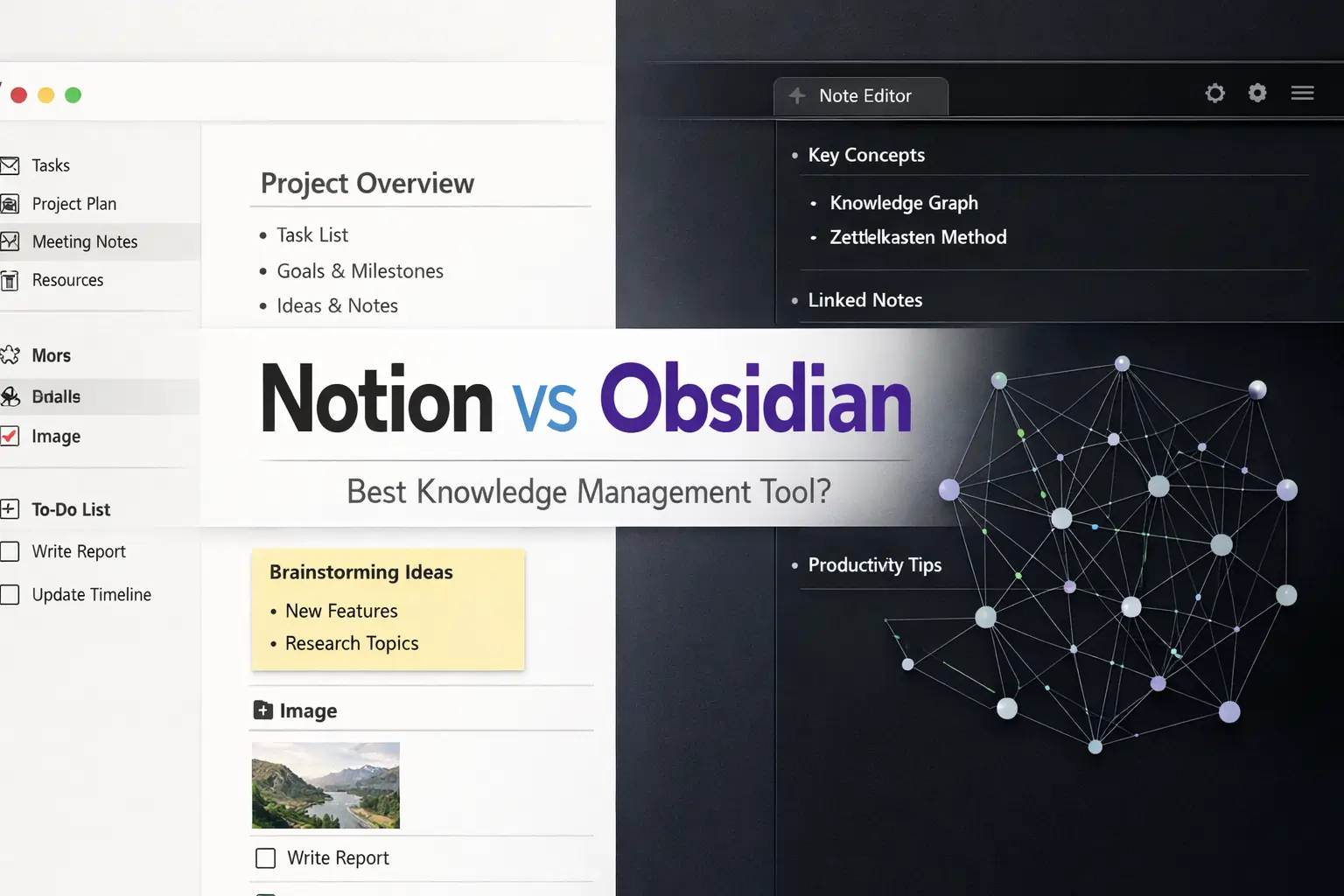
Introduction & Core Differences
When people search for the best knowledge management tools, two names appear again and again: Notion and Obsidian.
The debate of Notion vs Obsidian has become very popular, especially among students, writers, researchers, and productivity lovers.
But here’s the problem.
Most comparison articles use complicated technical language. So beginners get confused instead of clear.
In this guide, we will compare Notion vs Obsidian in very simple language. By the end, even a 12th class student will clearly understand which tool is better for their needs.
Read Also- How to Use Gemini Advanced for Daily Tasks
What Is Knowledge Management?
Before comparing tools, let’s understand one simple thing.
Knowledge management means:
Storing, organizing, and connecting information in a smart way.
For example:
- Study notes
- Research ideas
- Business plans
- Personal thoughts
- Writing drafts
Instead of keeping information scattered, knowledge management tools help you keep everything organized and easy to find.
Now let’s understand both tools one by one.
🔥 LinkedIn Premium Business Plan 12 Months
Original Price ₹23,000 • Get it ₹8XXX
🤖 Gemini AI Advanced Pro Plan
Original Price ₹19,500 • Get it ₹8XXX
💼 LinkedIn Sales Navigator Core
Original Price ₹80,000 • Get it ₹2XXXX
🎨 Canva Pro Lifetime Access
Original Price ₹3,999 • Get it ₹4XX
📚 Coursera Plus Annual Plan
Original Price ₹33,000 • Get it ₹2XXX
✨ Adobe Creative Cloud All Apps
Original Price ₹59,000 • Get it ₹4XXX
What Is Notion?
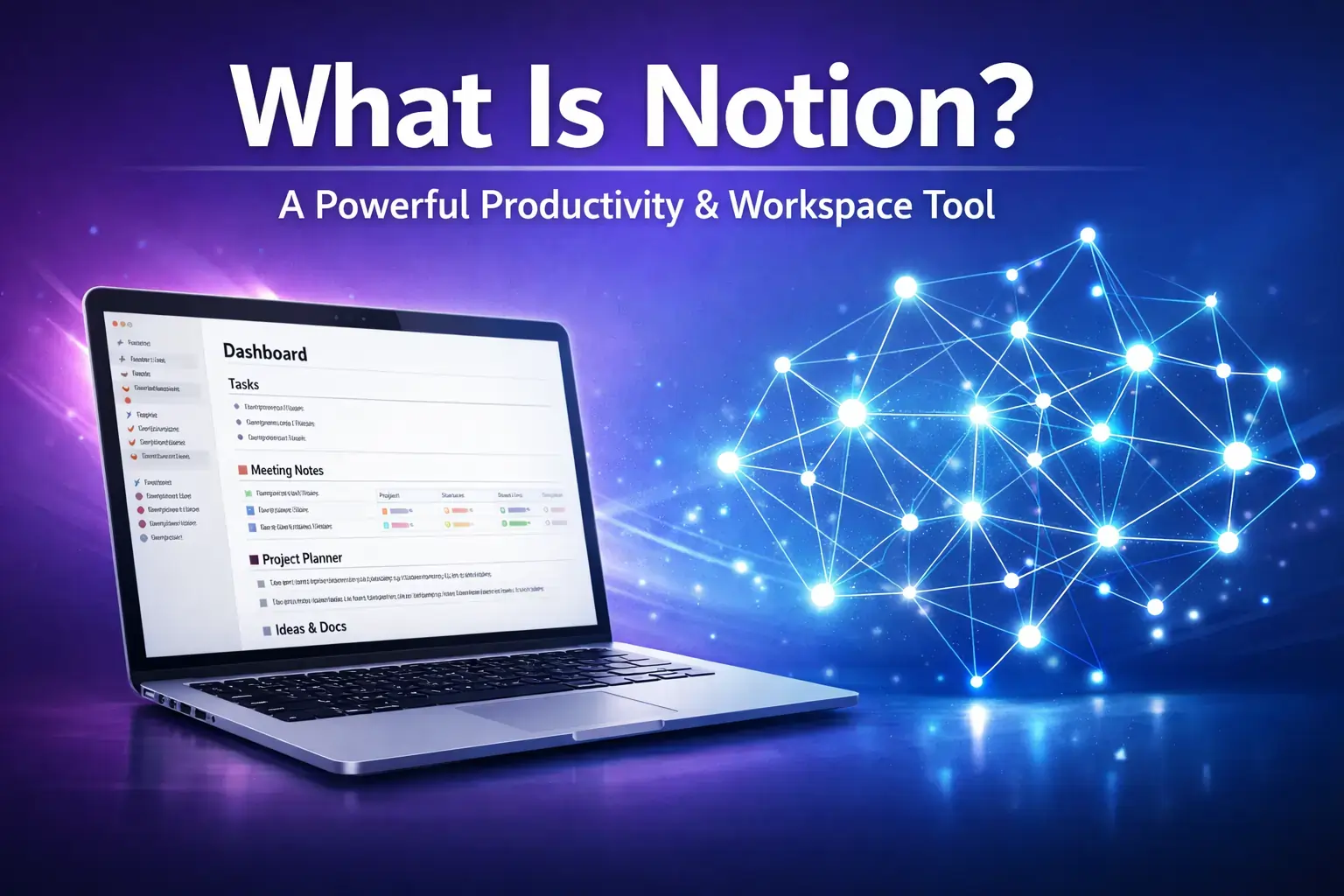
Notion is an all‑in‑one productivity workspace.
You can use it for:
- Notes
- To‑do lists
- Project management
- Databases
- Team collaboration
Notion works mostly online. Your data is stored in the cloud, which means you can access it from anywhere.
One big reason why Notion is popular is its clean design and simple layout. You can create pages inside pages. You can drag and drop blocks. You can use templates for almost anything.
Because of this, many students and teams prefer Notion.
What Is Obsidian?
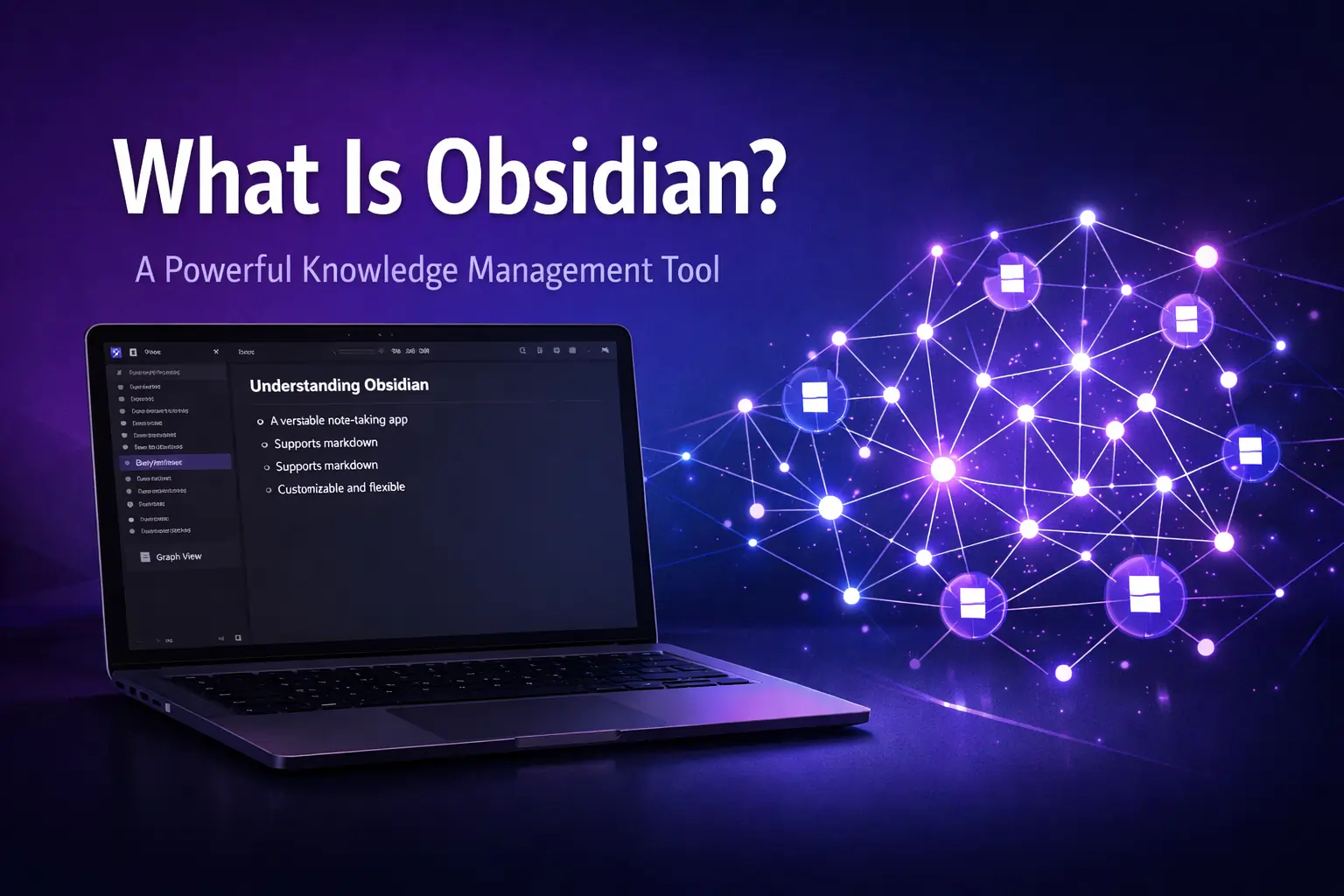
Obsidian is mainly a note‑taking app focused on linking ideas.
Unlike Notion, Obsidian stores your notes locally on your device. That means your files are saved on your computer, not on a company server.
The most powerful feature of Obsidian is backlinking.
Backlinking means you can connect one note to another note easily. Over time, your notes become like a web of ideas.
This makes Obsidian very powerful for:
- Deep learners
- Researchers
- Writers
- Long‑term thinkers
It feels less like a workspace and more like a personal digital brain.
Also Read – Adobe Creative Cloud Pricing Guide: Plans, Costs, and Best Value in India
🔥 LinkedIn Premium Business Plan 12 Months
Original Price ₹23,000 • Get it ₹8XXX
🤖 Gemini AI Advanced Pro Plan
Original Price ₹19,500 • Get it ₹8XXX
💼 LinkedIn Sales Navigator Core
Original Price ₹80,000 • Get it ₹2XXXX
🎨 Canva Pro Lifetime Access
Original Price ₹3,999 • Get it ₹4XX
📚 Coursera Plus Annual Plan
Original Price ₹33,000 • Get it ₹2XXX
✨ Adobe Creative Cloud All Apps
Original Price ₹59,000 • Get it ₹4XXX
Notion vs Obsidian -The Main Difference
If we simplify everything:
Notion = Organized workspace
Obsidian = Connected thinking system
Notion focuses on structure and visual organization.
Obsidian focuses on linking and idea growth.
That core difference explains almost everything in this comparison.
Notion vs Obsidian for Students
Many people search specifically for notion vs obsidian for students.
So let’s make this very clear.
If you are a school or college student who wants:
- Clean class notes
- Assignment tracking
- Easy formatting
- Access from phone and laptop
Notion feels easier.
But if you are preparing for competitive exams or studying subjects deeply where concepts connect (like history, psychology, philosophy, biology), Obsidian becomes powerful.
Because in Obsidian, you can connect:
“Cell Structure” → “Cell Division” → “DNA” → “Genetics”
And over time, your knowledge becomes interconnected.
Students who love visual organization prefer Notion.
Students who love deep thinking prefer Obsidian.
Notion vs Obsidian for Writers
Writers also compare notion vs obsidian writers use.
Notion is helpful for:
- Blog planning
- Content calendars
- Client management
- Article drafts
- Publishing workflow
Obsidian is helpful for:
- Research notes
- Idea linking
- Long‑term writing projects
- Book writing
If you are writing short‑term content with deadlines, Notion works smoothly.
If you are writing a book, doing research, or building a long‑term idea system, Obsidian feels stronger.
Ease of Use Comparison
For beginners, Notion is simpler.
You open it and start typing. The interface looks friendly. Templates help you start quickly.
Obsidian can feel slightly technical at first because it uses Markdown formatting. It also allows plugins and customization, which may confuse beginners.
But once you learn it, Obsidian becomes extremely flexible.
So in terms of beginner friendliness:
Notion wins for simplicity.
Obsidian wins for power after learning.
Also Read – Canva Pro vs Free: What Is the Real Difference in 2026?
🔥 LinkedIn Premium Business Plan 12 Months
Original Price ₹23,000 • Get it ₹8XXX
🤖 Gemini AI Advanced Pro Plan
Original Price ₹19,500 • Get it ₹8XXX
💼 LinkedIn Sales Navigator Core
Original Price ₹80,000 • Get it ₹2XXXX
🎨 Canva Pro Lifetime Access
Original Price ₹3,999 • Get it ₹4XX
📚 Coursera Plus Annual Plan
Original Price ₹33,000 • Get it ₹2XXX
✨ Adobe Creative Cloud All Apps
Original Price ₹59,000 • Get it ₹4XXX
Quick Comparison Table
| Feature | Notion | Obsidian |
| Beginner Friendly | High | Medium |
| Works Offline | Limited | Yes |
| Team Collaboration | Yes | Limited |
| Backlinking | Basic | Advanced |
| Customization | Medium | Very High |
| Cloud Based | Yes | Optional |
That’s the foundation.
Notion Pricing -Is It Expensive?
Many users search for notion pricing before choosing it.
Notion offers:
- Free Plan
- Plus Plan
- Business Plan
- Enterprise Plan
For most students and individuals, the free plan is more than enough. You can create unlimited pages, write notes, and use templates.
You only need paid plans if:
- You work in teams
- You upload many large files
- You need advanced admin controls
So for personal use, Notion is almost free.
Obsidian Pricing -Is It Really Free?
Obsidian is free for personal use.
You download it, install it, and your notes are saved directly on your computer. No compulsory subscription.
However, there are optional paid services:
- Obsidian Sync (for cloud backup)
- Obsidian Publish (to publish notes online)
- Commercial license (for business usage)
If you only want a personal knowledge system, Obsidian costs nothing.
Also Read – n8n Pricing Guide 2026: Cloud Cost, Self-Hosted Cost, and Zapier Comparison
Notion vs Obsidian Cost -Clear Comparison
For individual students:
Both are free and affordable.
For teams:
Notion becomes more practical because collaboration features are built‑in.
Obsidian is cheaper for solo users.
Notion gives better value for collaborative work.
So when people search notion vs obsidian cost, the answer depends on whether you work alone or in a team.
Feature Comparison -Practical View
Instead of complicated technical details, let’s compare based on daily usage.
1. Writing Notes
Notion allows rich formatting. You can add:
- Headings
- Tables
- Images
- Databases
- Checklists
It feels modern and clean.
Obsidian uses Markdown. It looks simpler but gives you more control. If you like plain text and focus, Obsidian feels distraction‑free.
2. Linking Notes
This is where Obsidian becomes powerful.
You can link notes using double brackets and create a network of connected ideas. Over time, your notes form a graph.
Notion also allows linking between pages, but it does not feel as deep or automatic as Obsidian.
If your goal is building a “second brain,” Obsidian is stronger.
3. Databases & Structure
Notion has powerful database features. You can create:
- Study trackers
- Content calendars
- Habit trackers
- Task boards
Obsidian does not focus heavily on structured databases. It focuses more on idea linking.
So for project management, Notion wins.
4. Offline vs Online
Obsidian works fully offline.
Notion mostly works online. Although offline mode exists in limited form, it is not as reliable as Obsidian.
If you prefer full control over your data and offline access, Obsidian is better.
Notion vs Obsidian for Teams
When we compare notion vs obsidian teams, the answer becomes simple.
Notion is built for collaboration. Teams can:
- Share workspaces
- Assign tasks
- Leave comments
- Track progress
Obsidian is mainly personal. You can share notes manually, but it is not naturally built for team project management.
For startups and companies, Notion is more practical.
Also Read – LinkedIn Premium vs Sales Navigator: Which LinkedIn Plan Is Best for You in 2026?
Notion vs Obsidian Pros and Cons
Let’s summarize clearly.
Notion Pros
- Easy for beginners
- Beautiful interface
- Strong collaboration
- Powerful templates
- Good for productivity management
Notion Cons
- Needs internet
- Can become slow with large databases
- Limited deep backlinking
Obsidian Pros
- Powerful idea linking
- Works offline
- Highly customizable
- Great for long‑term knowledge building
Obsidian Cons
- Slight learning curve
- Not ideal for team collaboration
- Fewer built‑in visual templates
This covers the realistic notion vs obsidian pros cons comparison.
Real‑Life Example
Let’s imagine two people.
Rahul is a college student managing assignments and deadlines. He needs structured notes and task tracking.
Notion works better for Rahul.
Aditi is writing a book and researching topics deeply. She wants to connect ideas over time.
Obsidian works better for Aditi.
That’s how you decide.
Now let’s answer the most important question:
Which tool is better in the long run?
Long‑Term Knowledge Building
If your goal is long‑term knowledge growth, the difference becomes clearer.
Obsidian is built around linking ideas. Over time, your notes connect like a web. This helps your brain think better because related ideas stay connected.
For example:
If you write a note about “World War 1” and later create a note about “Treaty of Versailles,” Obsidian automatically links them. This builds deep understanding.
That is why many researchers and serious learners prefer Obsidian.
Notion, on the other hand, is more structured. It keeps information organized inside pages and databases. It feels like a digital filing cabinet.
So for deep thinking and research, Obsidian feels stronger.
For structured organization and productivity, Notion feels smoother.
Notion vs Obsidian for Long‑Term Students
If you are preparing for competitive exams like UPSC, NEET, or other long‑term studies, idea linking matters a lot.
Obsidian helps connect subjects like:
History → Politics → Economics → Current Affairs
Over time, this connection improves understanding.
But if your main focus is:
- Tracking assignments
- Managing study schedule
- Organizing notes clearly
Notion is more practical.
So again, it depends on how you study.
Note Taking Apps Comparison -Where They Stand
In the world of note taking apps comparison, there are many tools like:
- Evernote
- OneNote
- Roam Research
- Google Keep
But most serious productivity discussions today focus on Notion vs Obsidian because they represent two different systems.
Notion = All‑in‑one productivity workspace
Obsidian = Personal knowledge network
That is why this comparison is so popular.
Obsidian Alternatives
When people search for obsidian alternatives, they usually want tools that offer linking features.
Some alternatives include:
- Roam Research
- Logseq
- RemNote
These tools focus on backlinking and connected thinking.
But Obsidian remains popular because:
- It works offline
- It gives full control of files
- It is highly customizable
Security and Data Control
This is another important difference.
Obsidian stores files on your own device. That means you control your data completely.
Notion stores data in the cloud. While it is secure, you depend on their servers.
If privacy and local control are very important to you, Obsidian gives more confidence.
If convenience and cloud access matter more, Notion is easier.
Read Also: How to Use Microsoft 365 for Remote Work (Complete Practical Guide)
Who Should Choose Notion?
Choose Notion if:
- You want everything in one place
- You manage tasks and projects
- You work with teams
- You prefer a clean, modern interface
- You like ready‑made templates
Notion is ideal for productivity and organization.
Who Should Choose Obsidian?
Choose Obsidian if:
- You want to build a “second brain”
- You love connecting ideas
- You study deeply
- You prefer offline storage
- You are a writer or researcher
Obsidian is ideal for deep thinking and long‑term knowledge systems.
Can You Use Both?
Yes -and many advanced users do.
They use:
Notion for planning and projects
Obsidian for thinking and research
This combination gives both organization and idea linking.
Read Also: LinkedIn Sales Navigator vs Apollo: Which Tool Works Better?
Final Verdict -Notion or Obsidian?
There is no single winner in the Notion vs Obsidian debate.
If your goal is productivity and collaboration → Notion.
If your goal is deep knowledge building → Obsidian.
If you are a student who wants simple notes → Notion is easier.
If you are a serious learner or writer → Obsidian is powerful.
The best tool is the one that matches your thinking style.
FAQs
1. What is the main difference between Notion and Obsidian?
The main difference is simple:
Notion is an all-in-one productivity workspace, while Obsidian is a powerful note-linking and knowledge-building tool.
Notion focuses on structure and organization. Obsidian focuses on connecting ideas.
2. Is Notion better than Obsidian for students?
It depends on the type of student.
If you want clean notes, assignment tracking, and easy formatting, Notion is easier.
If you want to connect subjects deeply and build long-term understanding, Obsidian is better.
3. Is Obsidian completely free to use?
Yes, Obsidian is free for personal use.
You only pay if you want optional services like Sync, Publish, or commercial usage.
4. Does Notion work offline?
Notion mostly works online. It has limited offline access, but it is not fully reliable without internet.
Obsidian works completely offline because it stores files on your device.
5. Which tool is better for writers – Notion or Obsidian?
For blog planning, content calendars, and deadlines, Notion works smoothly.
For book writing, research, and connecting ideas long-term, Obsidian is more powerful.
6. Is Obsidian difficult for beginners?
Obsidian has a small learning curve because it uses Markdown and plugins.
However, once you understand the basics, it becomes very flexible and powerful.
7. Can Notion replace Obsidian?
Not completely.
Notion is great for structured organization and teamwork.
Obsidian is stronger for deep thinking and building a “second brain.”
They serve slightly different purposes.
8. Which is better for competitive exam preparation?
For tracking study schedules and organizing subjects, Notion is practical.
For connecting concepts across topics (like History → Politics → Economics), Obsidian is more effective.
9. Is Notion safe for storing personal notes?
Yes, Notion is secure and cloud-based.
However, your data is stored on their servers.
If you prefer full local control over your files, Obsidian offers more privacy.
10. Can I use both Notion and Obsidian together?
Yes, and many advanced users do.
You can use:
- Notion for planning and task management
- Obsidian for research and idea linking
This combination gives you both productivity and deep knowledge building.